Ephemeral Debug Containers
A container is running but its image is distroless, so how do you get a look inside without replacing the Pod? An ephemeral container is added to the live Pod through the ephemeralcontainers subresource, the only writer of that list, and it arrives with no ports, no probes and no resources, and is never restarted. The kubectl debug command builds it, targetContainerName runs it in the namespaces of the container you name, and it can never be removed.
Play the animation 6 steps, animated, best on a wide screen
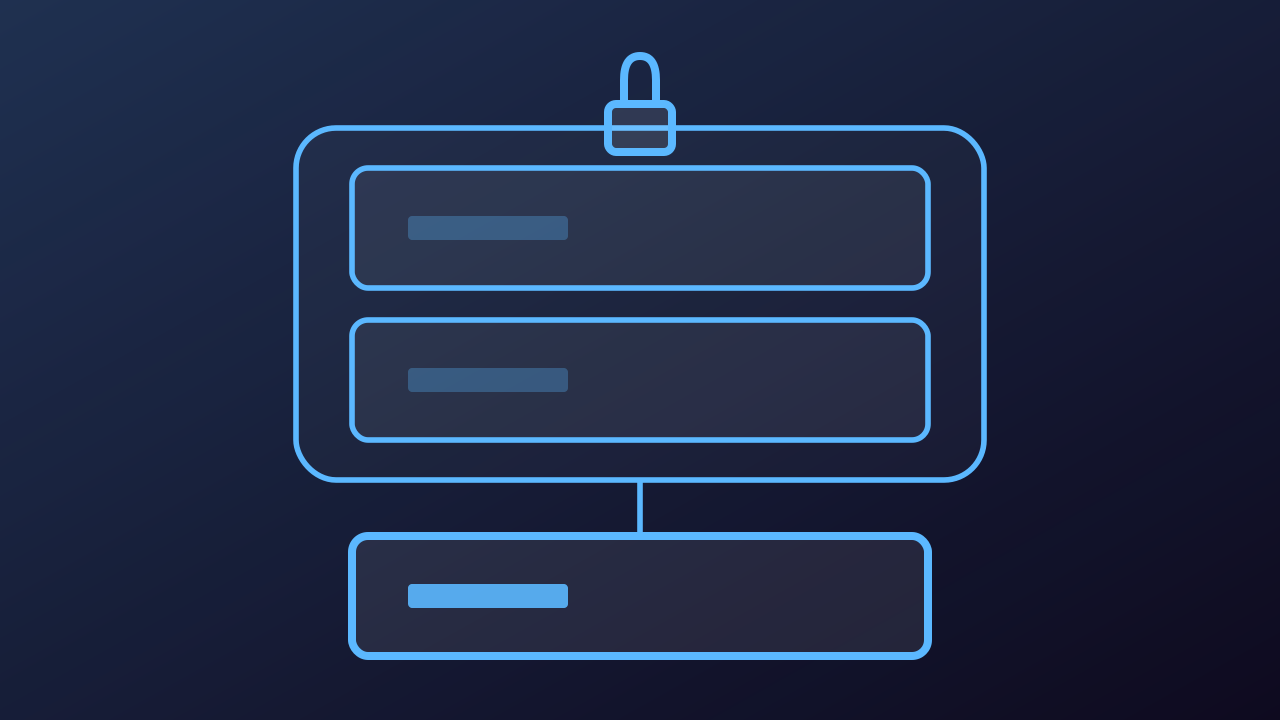
Ephemeral Debug Containers, step by step
-
The app container runs a distroless image, which ships no shell and no debugging tools. The kubectl exec command goes through the pods/exec subresource and asks the container to start sh, and there is no sh to start, so the first door is closed by the image itself and no shell exec into app can open it.
Play from step 1 -
Adding a container is closed too. The kubectl edit command writes the Pod spec back through the Pod resource itself, and a container cannot be appended to spec.containers on a live Pod: through that door a Pod update may change nothing in the list but the images, so the API server rejects it. The spec.ephemeralContainers list cannot be set that way either.
Play from step 2 -
The kubectl debug command builds an EphemeralContainer, names it debugger- plus a random suffix when you do not (debugger-8xzrl here), and PATCHes it onto the pods/ephemeralcontainers subresource. That handler is the only writer of the list, so kubectl edit cannot reach it. The API server appends the entry, which can never be changed or removed afterwards.
Play from step 3 -
The object going through that door takes the same container spec as a real container, with many fields refused. It may not have ports, so ports, livenessProbe and readinessProbe are disallowed. Resources are disallowed too, because it spends spare capacity already allocated to the Pod, and restartPolicy cannot be set: it is never restarted once it exits.
Play from step 4 -
The Kubelet on the Node sees the new entry and starts the container inside the Pod that is already running, in the namespaces of the container targetContainerName names, PID among them. The Pod is not replaced and app is not restarted, so its restartCount stays at 0, and what the debug container does is reported under status.ephemeralContainerStatuses.
Play from step 5 -
Because it shares the PID namespace of app, ps in the debug container lists the app process, and the /proc link of that process reaches the app filesystem, which is how a distroless image gets read. With its default general profile kubectl debug adds SYS_PTRACE to the debug container, and the container runtime must implement namespace targeting for any of it to work.
Play from step 6