RollingUpdate or Recreate
A Deployment updates its Pods by the RollingUpdate or Recreate strategy. Under one two versions answer at once, under the other nothing serves for a while. Which is which, and in what order does each replace them?
Play the animation 6 steps, animated, plays on a computer or a tablet
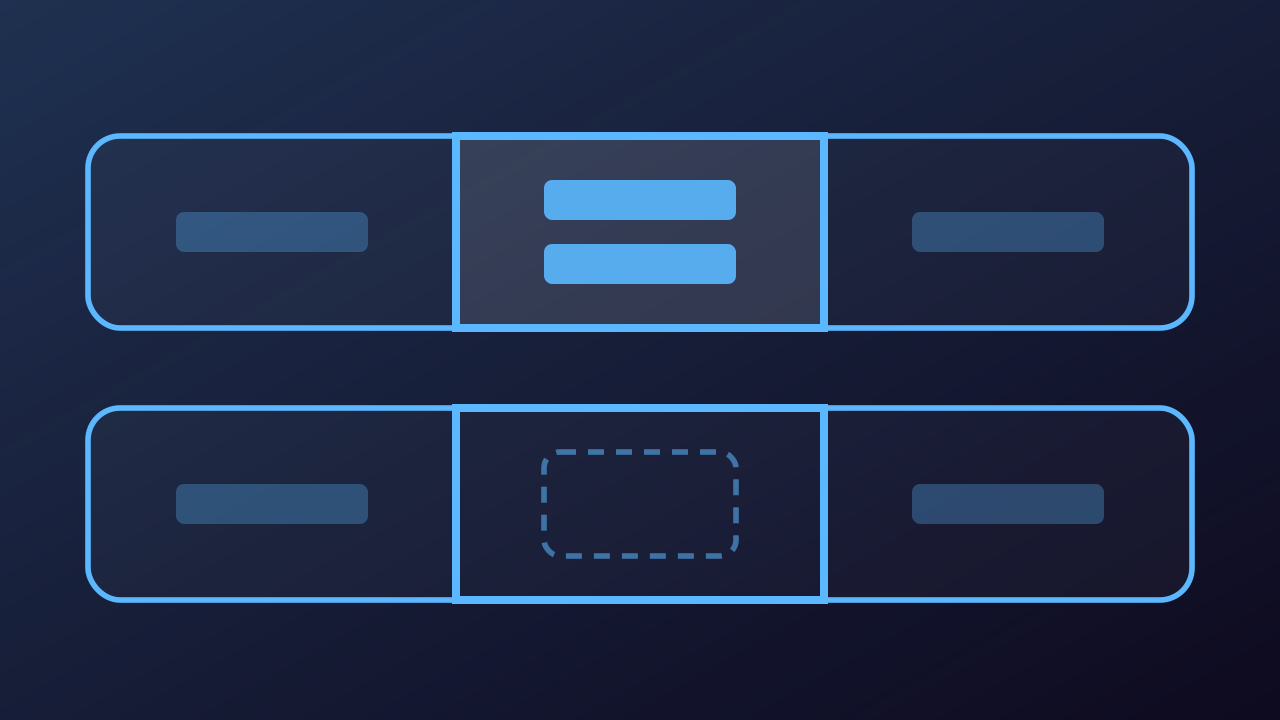
RollingUpdate or Recreate, step by step
-
A Deployment replaces its Pods, and .spec.strategy.type decides in which order. The field has two values and no third, RollingUpdate and Recreate, and a Deployment with no strategy set gets RollingUpdate. Both tracks start from the same state, where Pod web-7f9c8-tp8vd on app v1.0 is Ready and .spec.template has just changed to v2.0. Each track will issue the same two orders, one create and one terminate, and only their sequence differs.
Play from step 1 -
RollingUpdate starts by creating. At .spec.replicas 1 the 25% defaults resolve to maxSurge 1 and maxUnavailable 0, so the controller may run one Pod above the count but may not lose the one it already has. Its first order is therefore Create web-6b8d5-r7hjn. The Pod appears on app v2.0 and starts, and web-7f9c8-tp8vd keeps serving beside it. Nothing is removed until the newcomer reports Ready.
Play from step 2 -
Pod web-6b8d5-r7hjn reports Ready, and at the default minReadySeconds 0 that readiness alone releases the second order, Terminate web-7f9c8-tp8vd. Both Pods were up across the whole handover window. That gives the update its uptime, and it also means two versions answered at the same moment for that span. Pod web-7f9c8-tp8vd finishes terminating, and the track ends where it started, with one Pod serving, now on v2.0.
Play from step 3 -
Recreate inverts the sequence. The first order Recreate issues on an upgrade is Terminate, aimed at every existing Pod. At .spec.replicas 1 that means web-7f9c8-tp8vd alone, and at any larger count all of them. Pod web-7f9c8-tp8vd leaves, and the controller waits. It creates nothing until the removal has succeeded, so the same handover window holds no Pod at all, and that is real downtime.
Play from step 4 -
Only once web-7f9c8-tp8vd is gone does the second order go out, Create web-6b8d5-r7hjn. The Pod appears on app v2.0 and starts, and the outage lasts until that Pod reports Ready, so it is the removal plus a cold start. In return the cut is clean, with no moment at which two versions answer together. The track ends as the other did, with one Pod serving on v2.0.
Play from step 5 -
Both tracks end in the same state, one Pod web-6b8d5-r7hjn Ready on app v2.0. On an update that completes, the field changes the path and not the result. RollingUpdate spent the window with two Pods up and two versions live, and Recreate with not a single Pod serving. Recreate fits when the two versions must never run at once, as when a ReadWriteOnce volume, which attaches to one Node at a time, has to change Nodes. Otherwise the default is the better fit.
Play from step 6