Network Namespaces
What makes a Pod IP feel like a separate machine? A network namespace is a private copy of the Linux network stack, with its own interfaces, routing table, iptables rules and port space, invisible to every other Pod. Unless hostNetwork is set, the runtime creates one and the pause container holds it, and one veth pair is normally the only door out of it. A deleted Pod takes the namespace with it, so nothing of that stack outlives it on the Node.
Play the animation 4 steps, animated, best on a wide screen
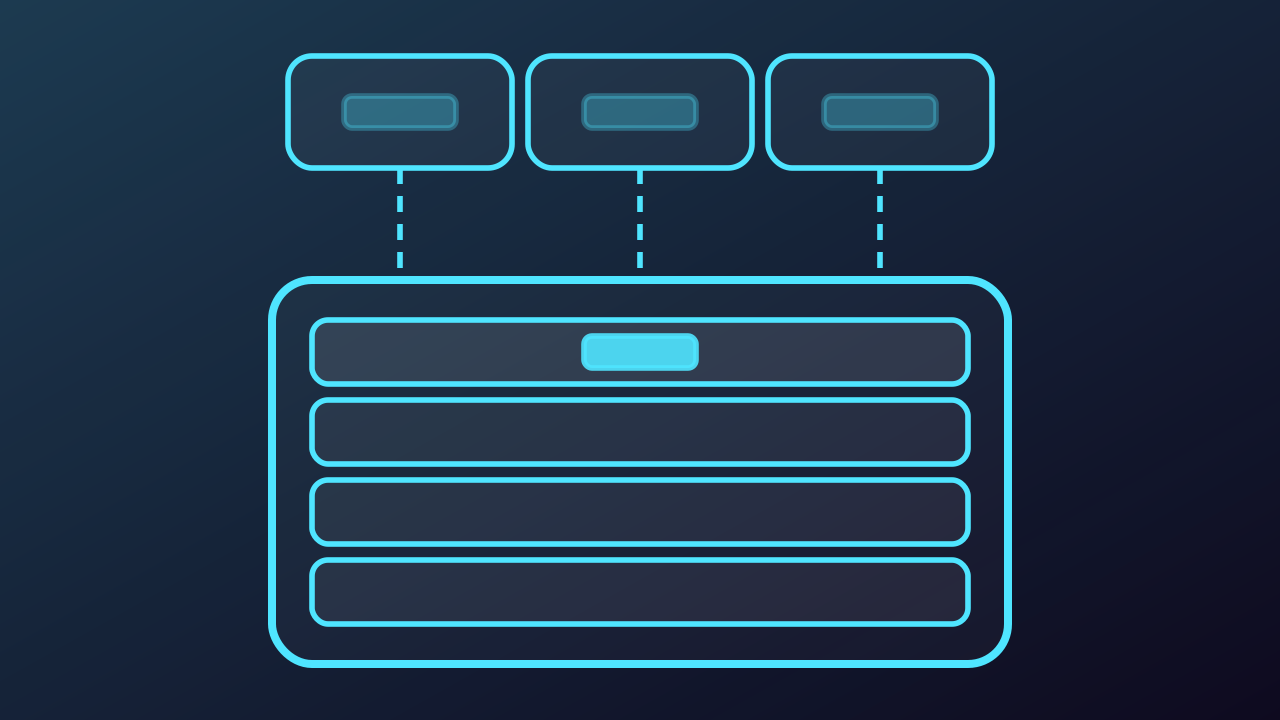
Network Namespaces, step by step
-
When the Pod sandbox starts, the runtime creates a brand new network namespace and the pause container holds it for the life of the Pod. Only a Pod that sets hostNetwork goes without one. The stack inside is empty: one loopback device, no routes, no rules and every port still free. Nothing reaches in or out yet.
Play from step 1 -
The CNI plugin then joins the namespace to the outside with a veth pair, and the in-Pod end of that pair appears in this stack as eth0. A default route is written through it, so that one cable becomes the path between the Pod and everything outside it. Plugins that hand the Pod a second device are the exception.
Play from step 2 -
A second container does not get a stack of its own, it enters this one. Both of them sit on the same four layers, which is why a second eth0 and a second set of ports never appear, and why each of them reaches the other over the loopback without leaving the Pod.
Play from step 3 -
Because the stack is a copy rather than a window, the routing table and the packet rules inside it belong to this Pod alone, and a port bound in here does not collide with the Node. Delete the Pod and the runtime calls CNI DEL to release the address and remove the veth, and the namespace goes with it.
Play from step 4