hostNetwork and hostPort
What are the two fields that put a Pod on the Node address itself? With hostNetwork true the Pod gets no network namespace of its own, no veth and no Pod IP, and binds the Node interfaces directly, which is how kube-proxy and a CNI agent run. A hostPort gives up far less: the Pod keeps its namespace, its IP and its veth, and the portmap plugin only adds a port mapping. Both spend a Node port, so only one such replica runs per Node.
Play the animation 4 steps, animated, best on a wide screen
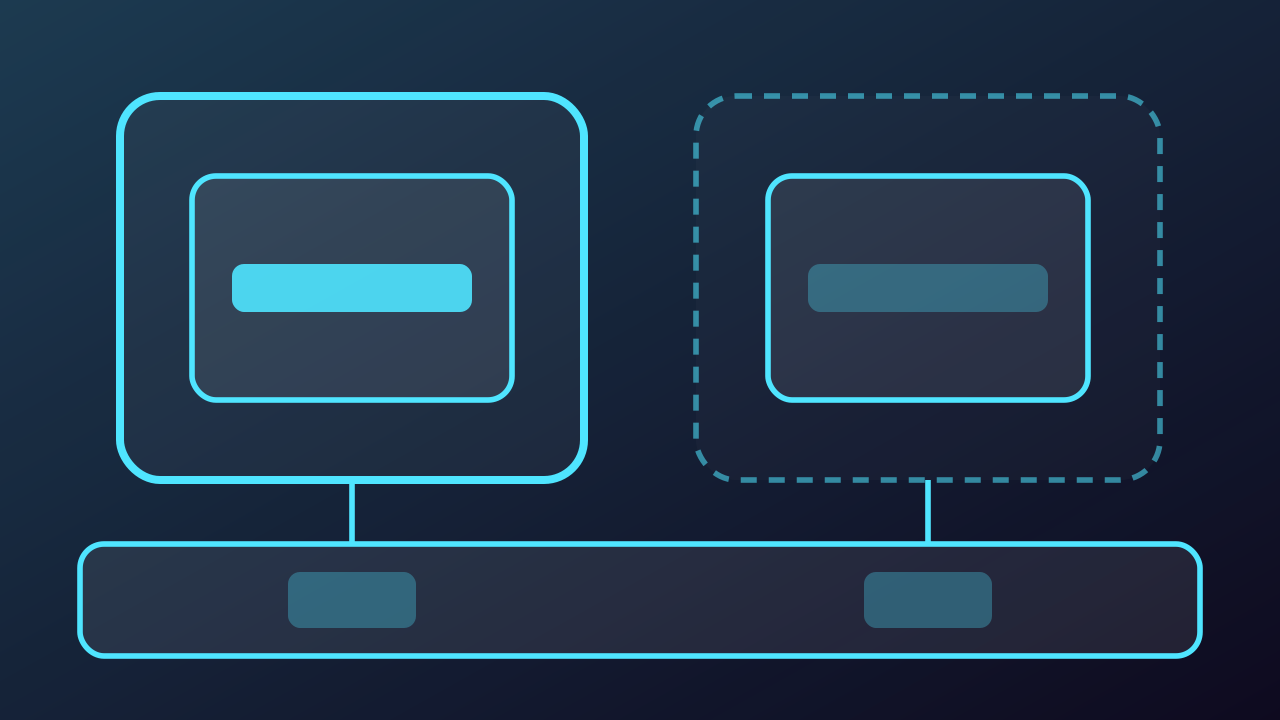
hostNetwork and hostPort, step by step
-
With hostNetwork true the Pod gets no network namespace of its own at all. It runs inside the Node network namespace, so there is no veth, no Pod IP and no bridge in the path: the container binds straight to the Node interfaces. A client that dials 192.168.1.20:80 is served by the Pod with no NAT anywhere, which is exactly how kube-proxy, the CNI agent and node-exporter run.
Play from step 1 -
The price is the Node port space and the isolation. The container listens on the Node itself, so a second Pod that wants the same port cannot run here, and the Pod sees every Node interface with nothing of its own between it and the host. That is a privilege for the agents that must see the Node, not for applications.
Play from step 2 -
The hostPort field is the smaller hammer. The Pod keeps its own namespace, its Pod IP and its veth, and the CNI portmap plugin only adds a port mapping on the Node: anything arriving at 192.168.1.20:8080 is DNAT-ed to 10.244.1.5:80 and then delivered down the ordinary bridge and veth. The Pod is reachable from the LAN and its socket still only ever sees its own address and port.
Play from step 3 -
Both fields spend the same scarce thing, a port on the Node, so the Scheduler counts a hostPort as a Node resource and only one replica of that Pod can land here. The difference is what you give up: hostNetwork hands the Node network namespace to the container and suits the agents that must see it, while hostPort keeps the Pod isolated and punches a single port through to it. Everything else belongs behind a Service.
Play from step 4