DNS Horizontal Autoscaling
How does a cluster end up running the right number of CoreDNS replicas? When enabled, a separate kube-dns-autoscaler Deployment counts Nodes and their cores on every poll and takes its parameters from a ConfigMap, so nothing here watches CPU the way a HorizontalPodAutoscaler does. Linear mode divides each count by its per-replica figure, rounds up, keeps the larger, clamps it and writes it to the CoreDNS scale subresource. Ladder mode uses step tables instead.
Play the animation 7 steps, animated, best on a wide screen
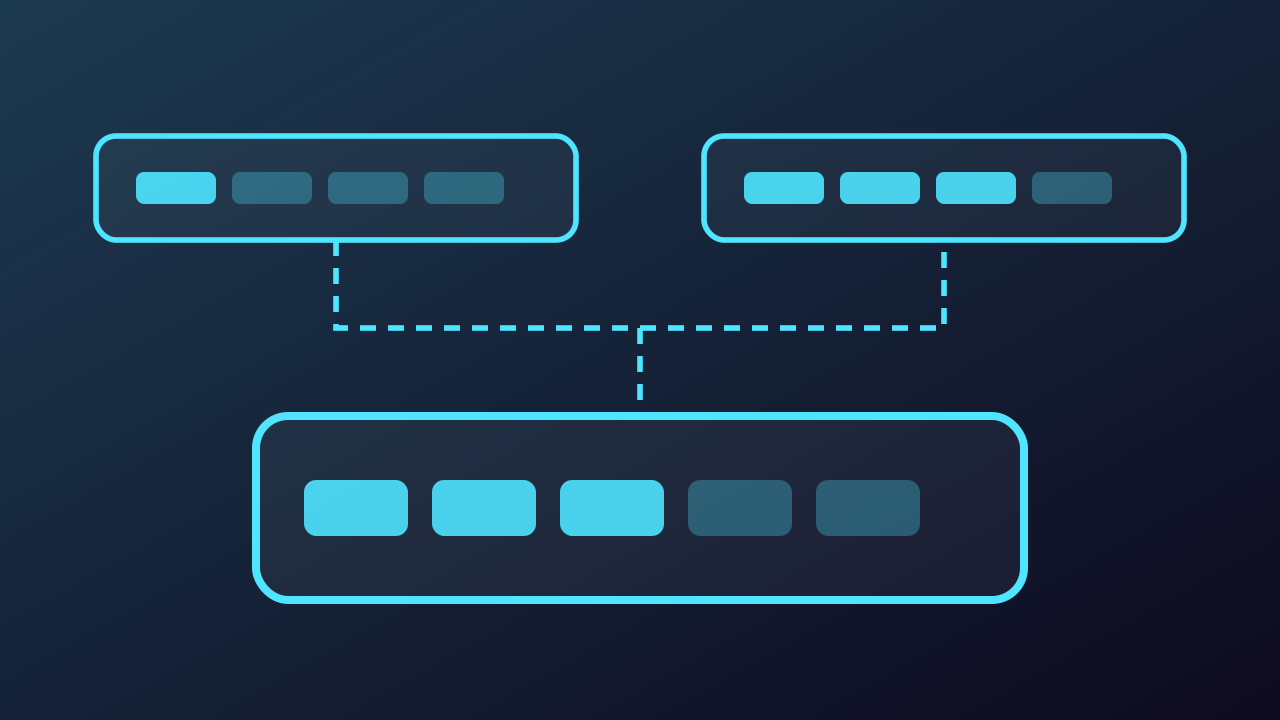
DNS Horizontal Autoscaling, step by step
-
When DNS autoscaling is enabled, the kube-dns-autoscaler Deployment runs a separate controller, no part of CoreDNS. Its Pod lists and watches the Node objects on the API server, and every 10 seconds by default it counts the Nodes and the allocatable cores they add up to. This cluster answers with 16 Nodes and 128 cores.
Play from step 1 -
On the same poll it fetches ConfigMap kube-dns-autoscaler, which holds its parameters. The manifest passes coresPerReplica 256, nodesPerReplica 16 and both flags as default-params, and the autoscaler writes those into the ConfigMap when none exists. Setting includeUnschedulableNodes true counts cordoned, draining and NotReady Nodes in the total, and with no min passed the library holds min at 1.
Play from step 2 -
The linear pattern reads both axes and rounds each one up. The Nodes axis gives ceil of 16 over 16, which is 1, and the cores axis gives ceil of 128 over 256, which is also 1. The equation keeps the larger of the two, which is 1 either way.
Play from step 3 -
Two clamps follow. A max would cap the result and none is set, and min 1 lifts nothing here. But preventSinglePointFailure holds at least 2 replicas while the cluster has more than one Node, so the autoscaler writes 2 to the CoreDNS scale subresource.
Play from step 4 -
The cluster grows to 48 Nodes of 32 allocatable cores each. Nothing restarts and nothing is edited. The next poll simply counts 48 Nodes in total and 1536 cores, and the same two axes are read again against the same parameters.
Play from step 5 -
Now the two axes disagree. The Nodes axis gives ceil of 48 over 16, which is 3, and the cores axis gives ceil of 1536 over 256, which is 6. On Nodes with many cores the cores axis dominates, and the larger reading, 6, is written to the Deployment.
Play from step 6 -
The other control pattern is ladder, and swapping the ConfigMap key swaps the mode with no restart. The two divisors give way to two step tables, coresToReplicas and nodesToReplicas. Each count is looked up on its own table, and the lookup yielding more replicas wins, which is 5 here. A ladder may name 0 replicas, which linear may not.
Play from step 7